Team Project

Collaborative Project

A collaborative design and development project focused on shared workflow, interaction planning, and presentation-ready outcomes.

Back to Projects

Overview

Project Overview

The Goal

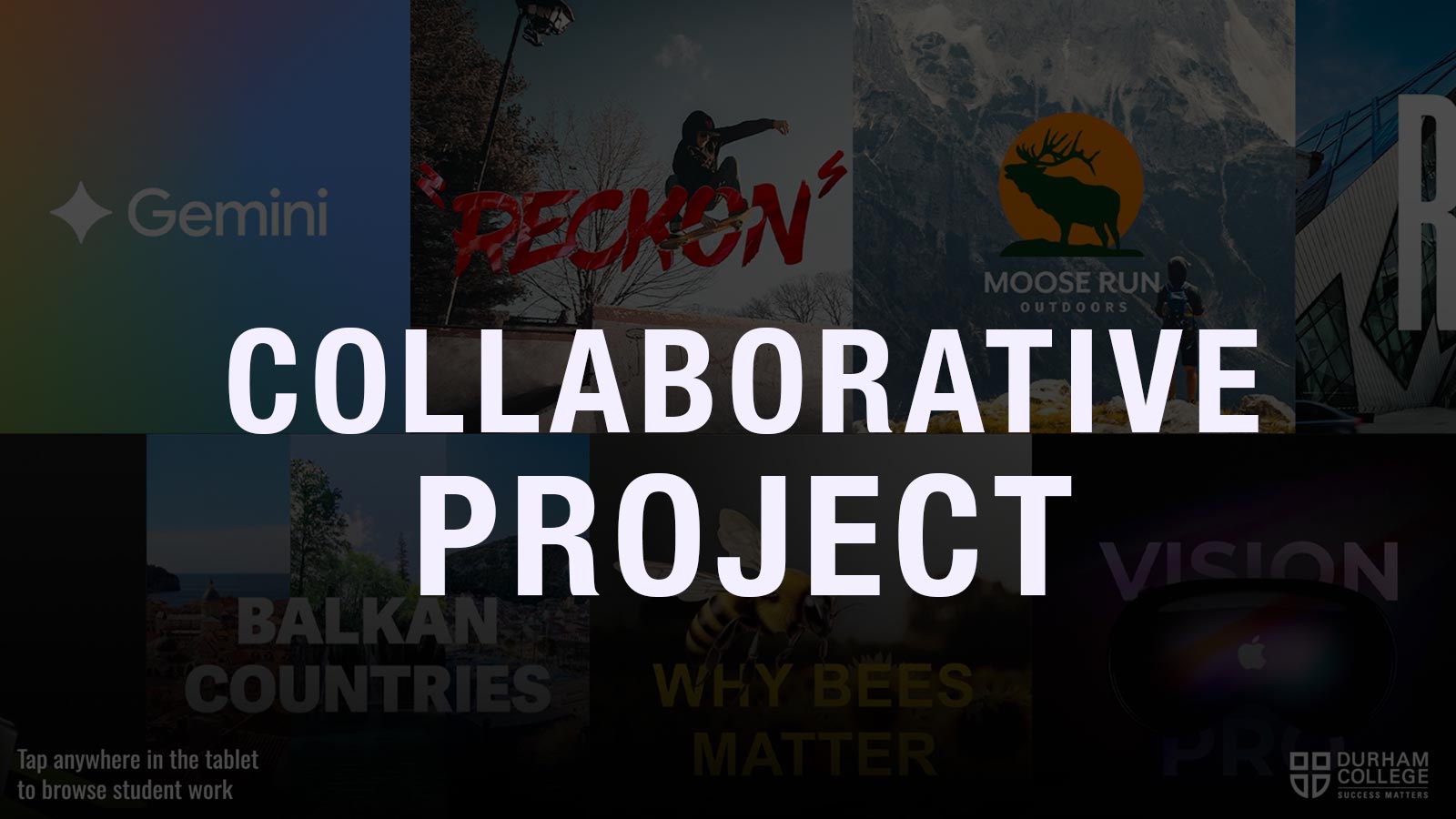
This project focuses on designing and developing a multi-screen interactive kiosk system for showcasing student work in a college environment.

The experience is built around a three-screen setup consisting of:

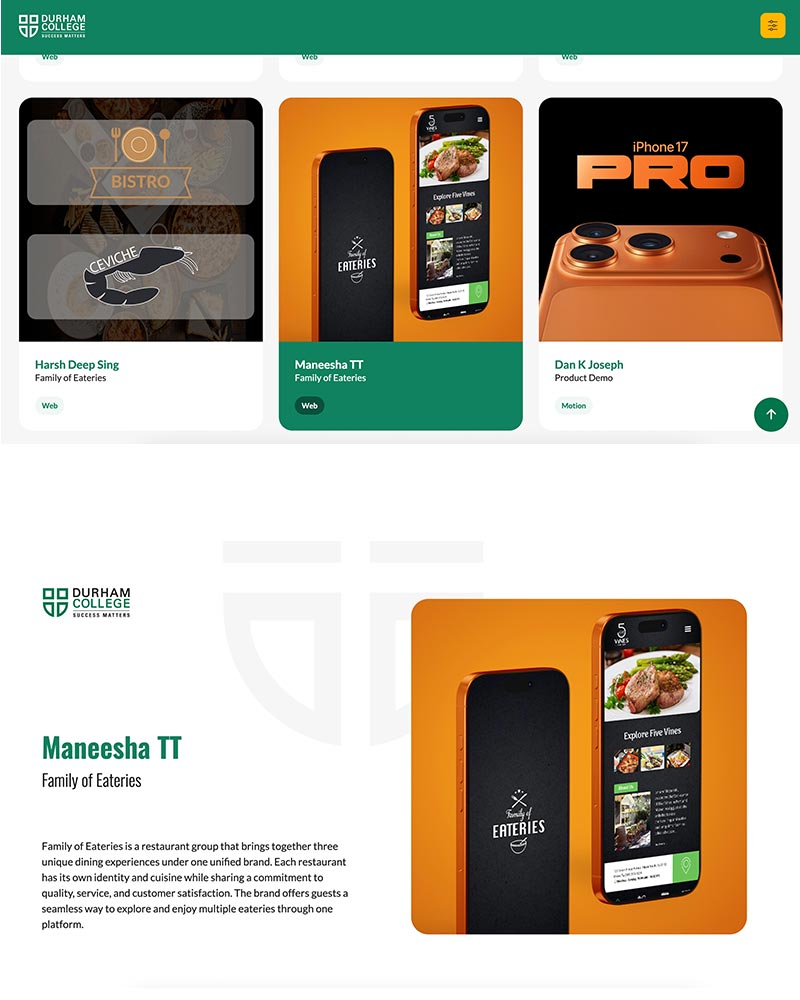
  • A tablet interface for user interaction.
  • A left TV screen for project information.
  • A right TV screen for immersive project display.

The system creates a seamless connection between interaction and display, allowing users to explore student projects in an intuitive and engaging way.
Product Demo Video

The kiosk operates as a connected ecosystem, where each screen has a defined role:

  • Tablet → Controller (Input)
  • Left Screen → Information Display
  • Right Screen → Visual Showcase

When a user selects a project on the tablet:

  • Both TV screens update simultaneously
  • Information and visuals are separated for clarity
  • The experience remains clean and distraction-freee

This structure ensures clarity, scalability, and usability in public environments.

Product Demo Video

Design System

My Role

  • UI Design (Tablet + Display Screens)
  • Interaction Design
  • Front-end Development (HTML, CSS, JavaScript, jQuery)
  • System Integration with backend data

What I Learned

  • Designing for multi-device ecosystems
  • Structuring real-time interactive systems
  • Working with frontend + backend integration
  • Improving user flow in public interactive environments

Challenges

Multi-Screen Synchronization

Ensuring both TV screens update instantly from a single tablet interaction required careful handling of data flow and AJAX calls.

Data Handling

Managing dynamic content from the database and mapping it correctly across three different screens.

UI Consistency

Maintaining visual consistency while designing for:

  • Touch interface (tablet)
  • Large display screens (TVs)

Performance Optimization

Avoiding delays when switching projects and loading media content.

Screens & Outcome

Final Deliverables

Outcome

The final system delivers a smooth, interactive kiosk experience where:

  • Users can easily browse projects.
  • Information is clearly presented.
  • Visual content is immersive.

The project successfully demonstrates how interaction design and screen-based storytelling can work together in a real-world installation.

Back to Projects